Back
BackSmart Fridges in Secure Facilities: What Data Center Operators Should Know Before Deploying
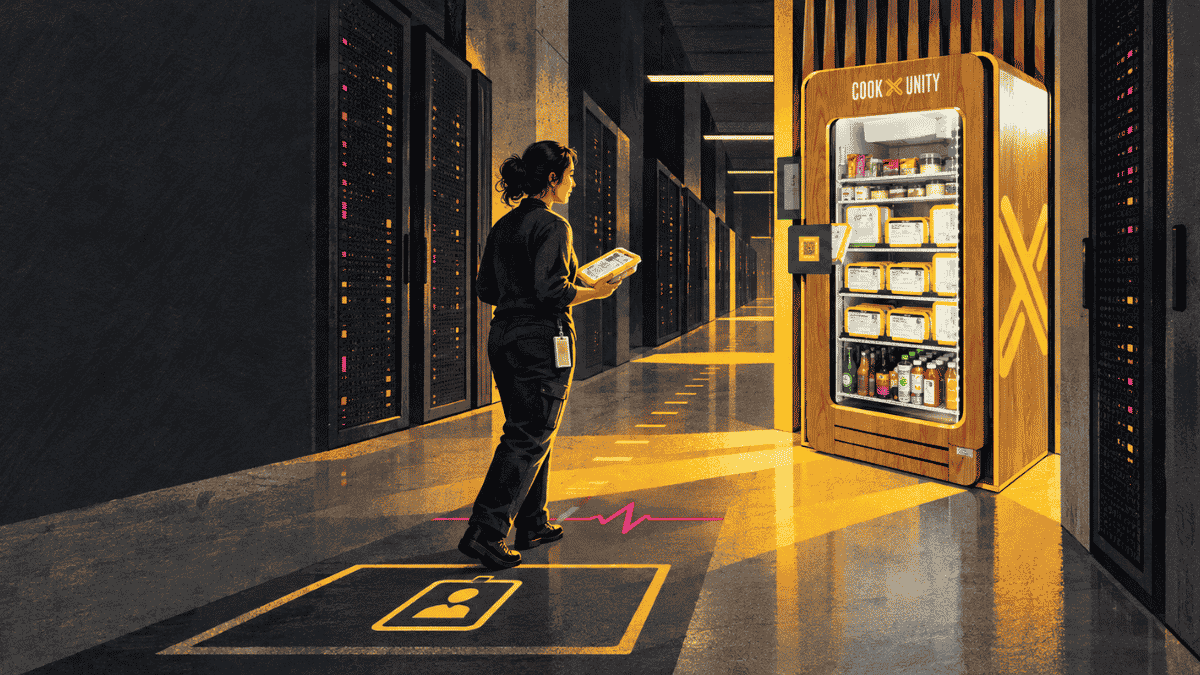
A smart fridge can solve a stubborn data center problem: how to give technicians, security staff, facilities crews, and overnight operators reliable access to real meals when restaurants are closed or too far away. Its operating model reaches well beyond refrigeration. It connects to a network, records transactions, depends on vendor service, and holds perishable food inside a controlled site.
For data center operators, deployment starts with a cross-functional review. Security must approve the device and its data flows. Facilities must confirm power, placement, cleaning, and outage procedures. The food program owner must define temperature, inventory, allergen, and recall controls. Careful planning keeps the meal program quiet around the clock.
Key takeaways
• Treat the smart fridge as an IoT endpoint, refrigerated food equipment, and a third-party service relationship.
• Keep the device off production, building-control, and security networks. Approve every required connection and remote-access path.
• Write vendor access into the site security plan, including delivery windows, escorts, restricted areas, photography rules, and failed-access procedures.
• Require temperature monitoring, alerts, automatic sales lockout, expiration controls, and a documented response to power or refrigeration failure.
• Start with a limited pilot and measure uptime, temperature exceptions, stockouts, waste, support response, and shift-by-shift use before expanding.
What is a smart fridge for a data center
A workplace smart fridge is a refrigerated, self-service food unit with digital access and inventory controls. Depending on the model, an employee may open it with an app, payment method, or approved badge. Sensors can track temperature and product movement, while the service provider uses purchase and inventory data to plan restocking.
For a data center, the value is availability. A staffed cafeteria may make little sense for a small overnight crew, and app delivery can create repeated gate activity. A stocked unit puts individually packaged meals and snacks inside the facility, close to the people already cleared to be there.
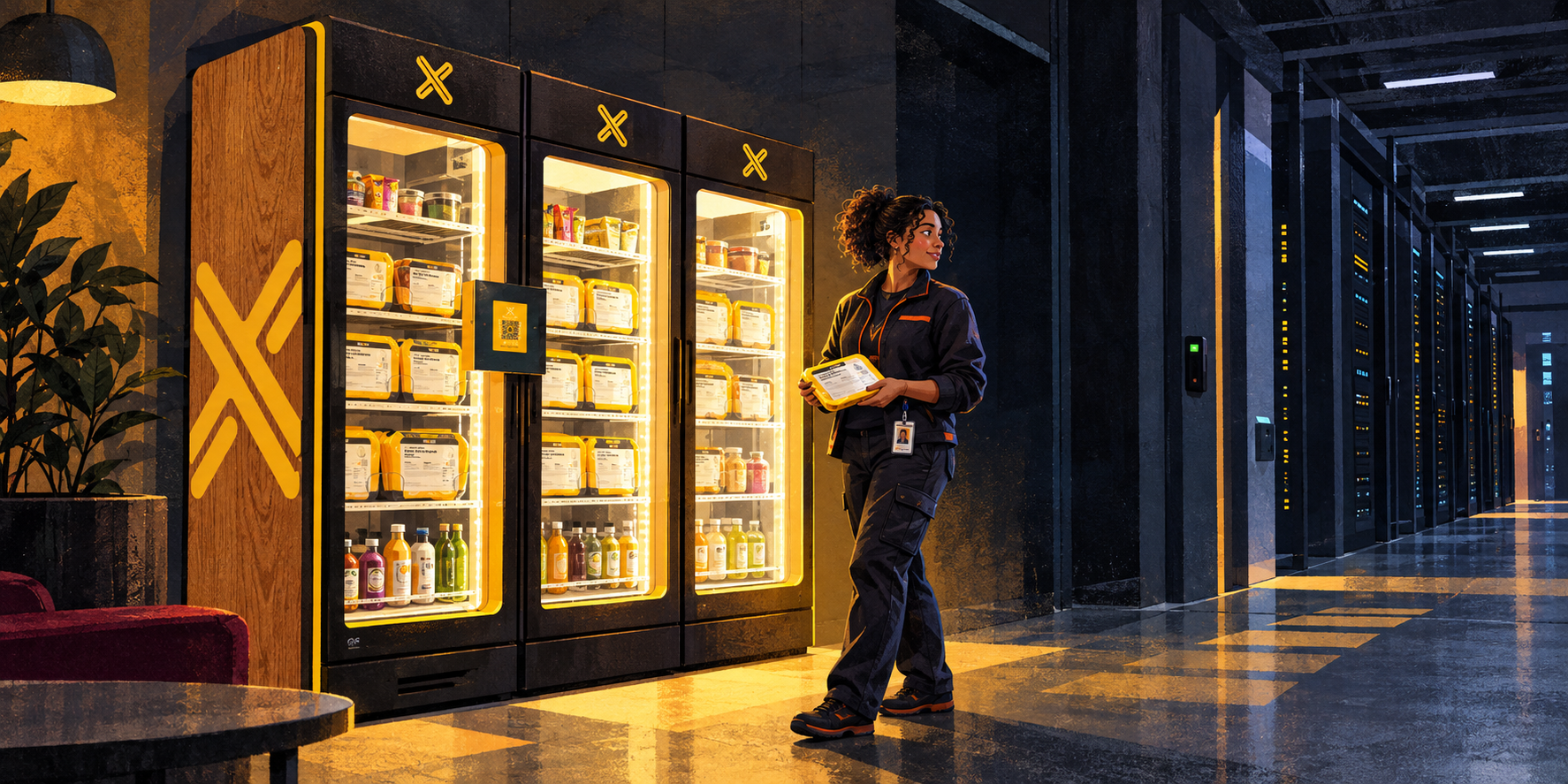
Why secure facilities need a different deployment standard
A conventional office can often place a fridge near the breakroom and connect it to guest Wi-Fi. A data center has tighter rules because an unreviewed device can introduce a network path, a camera, a microphone, a cellular modem, or vendor credentials. Restocking also brings recurring third-party visits through physical security controls.
The location matters as much as the hardware. A fridge near the secure perimeter may change traffic through mantraps or loading areas. A unit inside a restricted zone may expose vendors to asset labels, floor plans, console screens, or operating routines. Place the unit in an employee amenity zone that is outside white space and critical plant areas whenever the site design allows it.
1 Security review
Inventory every component and connection
Ask the vendor for a system diagram before procurement. It should show the fridge controller, locks, sensors, screen, payment hardware, local network interfaces, cellular radios, cloud services, administrative portal, mobile app, and third-party integrations. Record the device owner, serial number, MAC address, firmware version, support contact, and approved network segment in the asset inventory.
NIST’s IoT Device Cybersecurity Capability Core Baseline gives buyers a useful screening structure: device identification, secure configuration, data protection, logical access control, software updates, and cybersecurity-state awareness. Use those capabilities as procurement questions, then map the answers to your own control framework.
Isolate the fridge network
Put the fridge on a dedicated IoT, vendor, or guest segment with deny-by-default rules. It should have no route to production servers, out-of-band management, building management systems, access control, surveillance, or corporate endpoints. Allow only the destinations and ports the service requires. Document DNS, NTP, certificate, telemetry, payment, and support traffic.
CISA recommends network segmentation to limit lateral movement and keep IT and operational technology separated. Its ransomware guidance also calls for current network diagrams that show third-party and cloud connections. A food-service device belongs on that diagram.
Control administration and remote support
Require named administrative accounts, role-based permissions, multifactor authentication, and logging for configuration changes. Shared vendor passwords erase accountability. Remote support should use an approved path, operate only for the agreed purpose, and expire when the session or contract ends.
CISA’s Secure by Demand guidance for OT buyers tells owners to ask for role-based access control, phishing-resistant multifactor authentication, secure logging, vulnerability management, and a defined support period. Those questions translate well to any connected appliance placed near critical operations.
Set an update and vulnerability process
The contract should state who monitors vulnerabilities, how the vendor discloses them, how long security updates will be provided, and what happens when a component reaches end of support. Define a testing and maintenance window for firmware changes. Keep a rollback or removal plan in case an update disrupts cooling, payment, or access.
Plan the cyber incident response
Write a short response playbook before go-live. It should identify who can disconnect the network, who can preserve logs, who contacts the vendor, and whether the fridge can continue safe local cooling while offline. A cyber event and a food-temperature event can occur together, so security and food operations need one escalation tree.
2 Physical access and vendor service
Choose a low-risk service location
Favor a breakroom, staffed lobby amenity area, or other employee zone outside the data hall and critical electrical or mechanical rooms. Keep the unit clear of emergency egress, fire equipment, electrical panels, doors, and maintenance paths. Confirm that the open door does not narrow an accessible route or create a blind corner.
Design the restocking route
Map the route from loading point to fridge. Decide whether drivers can enter, require an escort, or hand stock to badged site staff. Specify identity checks, vehicle screening, package inspection, approved carts, and delivery windows. Include a procedure for late arrivals, substitute drivers, rejected products, and a missed delivery.
Protect information along the route
Vendor personnel should receive a site-specific briefing that covers prohibited photography, phone use, tailgating, door holding, and unattended carts. Remove asset maps, maintenance boards, access rosters, and visible credentials from the service path. If delivery confirmation requires photos, define an approved framing and location.
Keep a chain-of-custody record
Record who delivered, who admitted or escorted them, the arrival time, the stock placed in the unit, and any rejected or removed items. Tie this record to the vendor’s temperature and lot data when available. The goal is quick reconstruction during a recall, access investigation, or food-quality complaint.
3 Food safety and inventory control
Use the local code as the compliance baseline
The 2026 FDA Food Code is a model code, and state or local authorities decide what applies at a particular site. Confirm permit, inspection, commissary, vending, and food-establishment requirements with the authority having jurisdiction before installation.
Hold cold food at 41 degrees Fahrenheit or below
The 2026 FDA Food Code sets 41°F or below as the cold-holding limit for time and temperature control for safety food. It also requires a vending machine that sells this food to stop vending after a power, mechanical, or temperature-control failure until the machine is serviced and restocked with food held under compliant conditions. See sections 3-501.16 and 4-204.111.
Require continuous monitoring, a visible temperature display, remote alerts, and a tested sales lockout. Define alert thresholds below the legal limit so the team has time to respond. State who receives alerts after hours and how quickly they must acknowledge them.
Control shelf life and recalls
Meals should arrive sealed and labeled with product identity, ingredients, allergen information, use-by guidance, and traceability data. The inventory system should block or remove expired items without relying on a weekly visual sweep. The recall plan should support an immediate sales stop, item-level identification, removal, notification, and disposition records.
Define outage rules before the first outage
Set a written decision tree for loss of power, loss of cooling, a failed sensor, an open door, and loss of network connectivity. Network loss may affect payment or telemetry while refrigeration continues. Power loss affects the food itself. Do not treat those events as equivalent. Require time and temperature evidence before returning any product to sale.
Make cleaning ownership explicit
Assign responsibility for interior cleaning, exterior cleaning, spills, condensation, pest observations, waste removal, and damaged packages. Define approved chemicals and service frequency. Site custodial staff should know what they may clean and what requires vendor service.
4 Facilities and reliability
Verify the electrical load
Collect the nameplate voltage, running current, startup current, plug type, cord length, and heat rejection data. Facilities should approve the receptacle and circuit. Avoid extension cords and power strips. Decide whether the unit belongs on normal, generator-backed, or uninterruptible power based on the site’s risk assessment and the expected outage procedure.
Check heat airflow and clearance
A refrigerated unit rejects heat into the room. Confirm manufacturer clearances at the sides, rear, and top, plus the operating temperature and humidity range. Keep intake and exhaust paths open. Locate the fridge where HVAC can absorb the load without directing warm condenser air into another appliance or a cramped alcove.
Preserve fire and life safety
Have facilities or the fire marshal review the placement. Maintain egress width and access to extinguishers, alarms, pull stations, panels, and shutoffs. Verify the appliance listing, anchoring needs, refrigerant information, and local requirements for floor protection or drainage.
Make the program accessible
Provide clear floor space and an accessible approach to the controls and food. The 2010 ADA Standards address clear floor space, reach ranges, and operable parts. Review the selected unit and installed layout with the site’s accessibility lead, including app-only access and the placement of higher shelves.
5 Payment privacy and employee data
Keep card data out of the facility environment
If the unit accepts payment cards, confirm who is the merchant of record, who manages the payment terminal, and how the design affects PCI scope. The PCI Security Standards Council states that payment terminals involved in storing, processing, or transmitting account data are part of the cardholder data environment. Use validated payment components and contract language that assigns monitoring, tamper checks, incident notice, and evidence responsibilities.
Minimize employee and badge data
Badge integration can connect meal choices to a named worker and their shift. Define the minimum fields the system needs. Decide whether the facility sends a token, employee ID, or eligibility flag. Set retention periods for transactions, access events, dietary preferences, and support logs. Restrict exports and administrative reporting to approved roles.
Use the NIST Privacy Framework to map what data is collected, why it is collected, where it travels, who can access it, and when it is deleted. Tell employees what the program records in plain language.
Separate subsidy rules from access control
A meal subsidy may vary by shift, location, or employment status. Keep those business rules in the food program where possible. Do not give the fridge platform broader access to security-system data than it needs. A denied meal benefit should never affect building access, and a food-service outage should never interfere with credentialing.
6 Employee experience and menu planning
Plan for the full shift cycle
Use headcount and schedule data to estimate demand by daypart without exposing individual attendance records. Overnight crews often need more than leftovers from the noon rush. Set service levels for meal availability at the start and midpoint of each shift, then compare stockouts and unsold inventory by window.
Make labels easy to evaluate
Employees need to identify ingredients, major allergens, portion information, and heating instructions before purchase. Keep labels readable inside the cabinet. If the app carries fuller information, provide an on-unit path for employees who cannot or do not want to use a personal phone.
Place heating and waste nearby
Ready-to-heat meals need enough microwave capacity for shift changes. Provide a clean counter, handwashing access where required, utensils, napkins, and clearly marked waste streams. Avoid placing a successful fridge beside one microwave and a small trash bin. Queues and spills will become the facilities team’s problem by the second week.
7 A four-stage deployment plan
Stage 1 Define requirements
Bring security, network engineering, facilities, workplace operations, food safety, privacy, procurement, and representative shift leads into one requirements session. Document the target population, service hours, subsidy model, location, network method, access route, support model, and success measures.
Stage 2 Complete due diligence
Review the vendor’s system diagram, security documentation, food licenses, insurance, incident history, service-level commitments, subprocessor list, accessibility information, and continuity plan. Test the administrative portal and employee flow. Resolve contract ownership for data, payment, maintenance, recalls, and removal.
Stage 3 Run a controlled pilot
Start with one unit in one amenity zone for 30 to 60 days. Test normal purchase, badge denial, app failure, network loss, power loss, temperature alarm, automatic lockout, after-hours support, missed restock, expired item removal, recall, and emergency relocation. Record the result and the person responsible for each correction.
Stage 4 Review evidence and expand
Expansion should follow evidence from the pilot. Review refrigeration uptime, unresolved alerts, inventory accuracy, stockouts by shift, waste, help tickets, security exceptions, vendor access events, cleaning findings, and employee use. Set stop conditions for repeated temperature excursions, unsupported software, missed service levels, or unapproved connectivity changes.
Deployment checklist
Area | Approval evidence | Owner |
Cybersecurity | Approved architecture, segment, allowlist, identities, logging, updates, response playbook | Security and network |
Physical access | Approved location, service route, escort model, delivery window, visitor rules | Site security |
Food safety | Permit review, temperature records, lockout test, shelf-life process, recall plan | Food program owner |
Facilities | Circuit, clearance, HVAC, egress, fire review, cleaning plan, outage procedure | Facilities |
Payments and privacy | Merchant role, PCI responsibilities, data map, retention schedule, employee notice | Legal and privacy |
Operations | Stocking standard, support contacts, shift coverage, metrics, removal plan | Workplace operations |
Questions to ask a smart fridge vendor
• What hardware, radios, sensors, cameras, microphones, payment components, and cloud services are included?
• Can the unit operate on an isolated network or cellular connection, and what exact outbound traffic is required?
• How are administrator identities, multifactor authentication, logs, firmware signing, vulnerability notices, and end-of-support dates handled?
• What happens to refrigeration, access, sales, alerts, and stored transactions when the network or power fails?
• How does the unit prevent sales after a temperature excursion, and how is the lockout tested?
• Who owns temperature response, expired-product removal, recalls, cleaning, pest issues, and discarded inventory?
• What data is tied to a badge, app account, or payment, and which vendors or subprocessors receive it?
• What access do restock and repair staff need, how often will they visit, and can the service model meet escort restrictions?
• What evidence will the vendor provide for PCI responsibilities, insurance, food licenses, equipment certification, and incident response?
• How quickly can the vendor remove the unit, accounts, connectivity, and retained data at contract end?
How CookUnity can fit a secure facility meal program
CookUnity’s facilities meal programs are designed for shift-based sites that need round-the-clock access to prepared meals. Current program information describes on-site smart fridges, a compact footprint, standard-outlet installation, and badge or app access. CookUnity’s office smart fridge program also covers installation, restocking, payments, and maintenance.
Secure sites should still validate the exact hardware, connectivity, service route, data flows, food-safety controls, and support terms for their location. Bring the security and facilities requirements to the first vendor conversation. The best time to resolve a restricted loading dock or prohibited radio is before a fridge is on the truck.
Frequently asked questions
Can a smart fridge connect to a data center corporate network
Use a dedicated IoT, vendor, or guest segment after security review. The fridge should have no path to production, building-control, or physical-security systems. Allow only documented destinations and ports.
Should a data center use cellular connectivity instead of Wi Fi
Cellular service can reduce interaction with enterprise networks, but it introduces a radio, carrier, cloud path, and coverage dependency. Some secure sites restrict radios or have weak indoor signal. Compare both options through the same risk and availability review.
What happens when a smart fridge loses power
The response depends on time, temperature, equipment design, and local code. The unit should stop vending when it cannot maintain required food temperatures. Staff should quarantine affected products until an authorized food-safety decision is documented.
Can vendor staff restock inside a secure facility
Yes, if the site approves the model. Common options include escorted entry, a service zone outside the secure perimeter, or a handoff to badged employees. Put the route, timing, screening, escort, and failed-delivery process in writing.
What should a data center measure during a smart fridge pilot
Track refrigeration uptime, temperature exceptions, lockout performance, network availability, security findings, vendor access events, stockouts by shift, waste, support response, cleaning issues, and repeat use. Measure the overnight and weekend experience separately from the daytime average.
What is the best location for a smart fridge in a data center
Use an employee amenity area outside white space and critical plant rooms, with an approved service route and nearby heating and waste facilities. Maintain clear egress, accessible floor space, ventilation, electrical clearance, and access to emergency equipment.

Be the first to know about new offers
Multiorder discounts, free items and more.